Which data to send to Laiki via webhook (leads and events)
Complete tutorial to send data via webhook to Laiki: lead and event fields, required ones, lead identification, and idempotency.
Published on
6 min read
To send data via webhook to Laiki, your tool makes a POST with a JSON containing two entities: the lead (the person) and the event (the action that happened). In the event, three fields are required: name, date, and externalSource. In the lead, one identifier among email, phone, and externalId is enough. This tutorial lists all accepted fields, explains how Laiki identifies each lead, and shows why no event gets in duplicated, even when the tool resends the same trigger.
It applies to any system capable of firing a payload (the data package) in JSON: CRM, automation platform, website form, chatbot, or your company's own system.
How sending works, step by step
1. The tool fires the webhook. At each agreed action (new lead, conversion, stage change), the source tool sends a POST with the data in JSON to the workflow address.
2. Laiki receives the payload. The workflow reads the fields of the JSON and organizes what is data about the person and what is data about the action.
3. Lead and event are saved. The workflow creates the lead (or updates it, if it already exists in the database) and records the event, ready for segments, dashboards, reports, and AI agent queries, since Laiki is an agentic software with data accessible via MCP.
That is the full path for anyone who decides to send data via webhook to Laiki. We are the ones who build the workflow; what your tool needs to guarantee is only the content of the submission, and that is what the next two tables are about.
Lead entity fields
The Lead entity carries the person's data. No field here is mandatory on its own, but there is an identification rule right below the table.
| Field | Type | What it is for |
|---|---|---|
| name | text | Lead's name |
| text | Primary email | |
| phone | text | Primary phone |
| company | text | Lead's company |
| jobTitle | text | Job title at the company |
| tags | text | Labels to organize the lead (source, product of interest) |
| notes | text | Free-form notes |
| externalId | text | Lead's ID in the source tool, to cross-reference the two databases |
| createdAt | text (date) | Date the lead was created in the source tool |
Practical rule: send everything the source tool has. Each filled-in field improves the segments and reports that come out on the other side.
How Laiki identifies the lead
The lead's identity is made up of email, phone, and/or externalId: ONE of them is enough in each submission, not all three. It is through this identifier that Laiki recognizes the person. Identifier already in the database? The event goes into the lead that is already there and the record is updated. Identifier never seen before? A new lead is created, and that is what prevents duplicate records of the same person.
A submission with none of the three has nobody to belong to, so make sure at least one of them is in the payload.
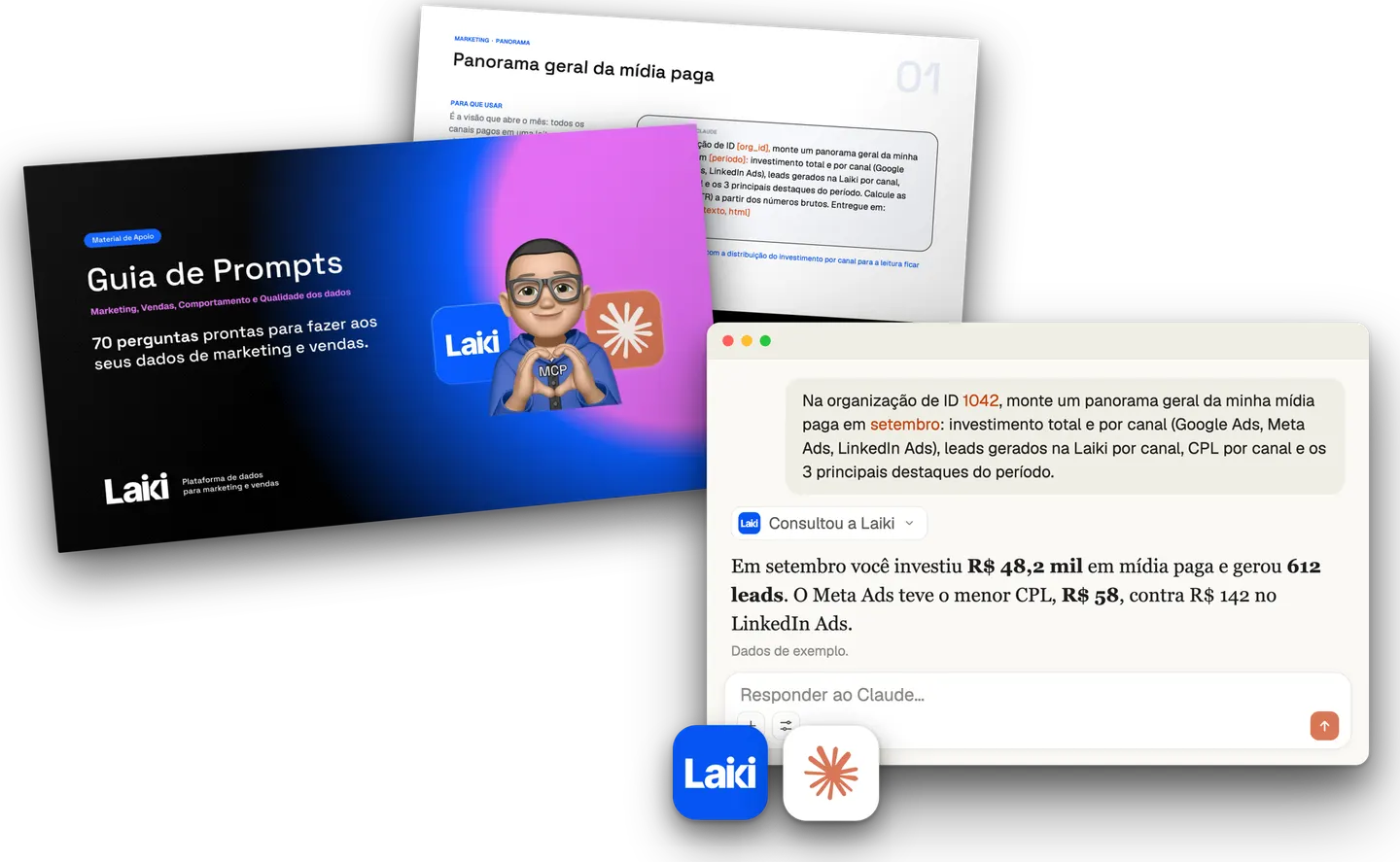 Resource · In PortuguesePrompt Guide for Marketing and Sales70 prompts with questions about marketing, sales and behavior to ask your data.Download the guide
Event entity fields
The Event entity describes the action: the form submission, the stage change, the purchase. Here there are three required fields, marked in the table.
| Field | Type | Required? | What it is for |
|---|---|---|---|
| name | text | Yes | Event name (formulario_contato, lead_qualificado) |
| date | text (date/time) | Yes | Date and time the event happened |
| externalSource | text | Yes | Source of the data (the name of the tool that sends it) |
| value | number | No | Associated monetary value, when there is one |
| url | text | No | URL of the page where the event occurred |
| domain | text | No | Website domain |
| device | text | No | Visitor's device (mobile, desktop) |
| source | text | No | Channel or source of the event |
| identifier | text | No | Free-form event identifier |
| externalId | text | No | Event ID in the source tool |
| utmSource | text | No | Campaign source UTM |
| utmMedium | text | No | Campaign medium UTM |
| utmCampaign | text | No | Campaign name UTM |
| utmContent | text | No | Ad content UTM |
| utmTerm | text | No | Term or keyword UTM |
| utmChannel | text | No | Consolidated campaign channel |
Without name, date, and externalSource, the event is not recorded. The six UTM fields deserve special attention: they are what feed channel attribution. Whenever the campaign information exists in the source tool, it is worth sending.
Idempotency: why the same event never gets in twice
Webhooks fail in practice: the network wavers, the tool does not receive the confirmation and resends the same trigger. If each resend became a new event, conversion counts would inflate and the funnel would start to lie.
Idempotency is the guarantee that repeating the same operation produces the same result as a single execution, a concept from the HTTP specification itself, documented in the MDN Web Docs glossary. At Laiki, each event carries an idempotency key generated on our side, from the data of the submission itself (lead identifier, event name, date). A key arrived that has already been saved? The event does not get in again. You do not need to create or send this key: you can resend without fear, the count does not double.
What if my tool has fields outside the list?
The tables above cover the native fields. When the source tool captures something that does not fit them, such as the answer to a specific form question, we create a custom field in your account to receive that data, in the right type (text, number, date, or true/false). Just list which extra fields exist in your payload and we prepare the account before the first trigger.
Frequently asked questions
Do I need a programmer to send data via webhook?
In most cases, no. Most CRMs, automation platforms, and form builders already have the option to fire webhooks through their own interface: you paste the address, choose the trigger, and map the fields. Programming only comes in when the submission comes from your company's own system.
In what format should the data be sent?
In JSON, through a POST request. The field names can come the way your tool generates them: the mapping between its payload and Laiki's fields is done in the workflow, on our side. What matters is that the data is present in the submission.
What happens if a submission fails?
If the trigger does not arrive, most tools try again automatically. And that is where idempotency works in your favor: the tool can resend the same package as many times as needed, because Laiki recognizes the repetition and records the event only once.
Build the integration with us
If you do not use Laiki yet and want to stop losing data between one tool and another, talk to us: we build the receiving workflow together with you, and anyone who wants to send data via webhook to your operation will find everything ready on the other side.