How to set up UTMs: the naming standard that keeps your report reliable
See how to set up UTMs with a standard that survives the whole team, with the table of values GA4 accepts and a step-by-step guide with a real example.
Published on
8 min read
Setting up UTMs means adding parameters to the end of a link so that the analytics tool knows where that visitor came from. The technical part takes a few minutes. What usually goes wrong is the agreement: when each person on the team tags in their own way, the channel report stops adding up, and nobody can add up in their head what should be a single number.
What we found in our own report
We audited Laiki's analytics account and Instagram showed up as seven different sources: ig, instagram, instagram.com, Instagram_Feed, Instagram_Reels, Instagram_Stories, and l.instagram.com. Facebook showed up as fb, facebook.com, and m.facebook.com. Ten lines in the report for what the operation sees as two channels.
It is worth separating the causes, because they call for different fixes. The difference between ig and instagram is human convention: two people filled in the same field in different ways, and that gets fixed at the source. As for l.instagram.com and m.facebook.com, they are domains the platform itself generates when the click leaves the app, and Instagram_Feed and Instagram_Reels come from a placement macro. In those cases there is nothing to standardize: the value arrives that way and you do not control it.
The practical conclusion comes from that separation. Standardize what is in your hands and group the rest.
The five parameters and the question each one answers
Each parameter exists to answer a specific question about the visit:
- utm_source (source): where the person was before clicking
- utm_medium (medium): through which vehicle they arrived
- utm_campaign (campaign): which marketing action prompted the click
- utm_content (content): exactly which asset triggered it
- utm_term (term): which keyword was searched, in paid search campaigns
The first three are mandatory. Without source and medium filled in, the tool has no way to classify the visit into any channel.
Three rules that apply to any operation
These three rules appear in almost every serious naming standard, and each one exists for a concrete technical reason.
All lowercase. Google Analytics 4 is case-sensitive in parameters. Facebook, facebook, and FACEBOOK become three distinct sources in the report, three lines that represent the same thing. That is exactly what produced half of the fragmentation we found in our account.
No spaces, always underscores. A space in a URL becomes %20 when the browser processes the link. The value that reaches the tool ends up with the code in the middle, and in some cases the link breaks before that.
No accents or special characters. Cedillas, tildes, and accents cause encoding problems in the handoff between browser, ad platform, and analytics tool. The parameter arrives unreadable or does not arrive at all.
The utm_medium table that GA4 recognizes
This is the point that causes the most lost traffic and the one that appears least in UTM guides. GA4 classifies channels by crossing source and medium with a fixed set of rules, and the default grouping expects specific values in utm_medium. Any value outside this list does not fall into any channel and shows up as Unassigned.
| utm_medium | Channel in GA4 | When to use |
|---|---|---|
| cpc | Paid Search or Paid Social, depending on the source | All pay-per-click traffic |
| Email marketing sends and automation | ||
| social | Organic Social | Posts and bio links, with no investment |
| display | Display | Banners and programmatic media |
| affiliate | Affiliates | Affiliate programs |
| referral | Referral | Partner sites and referrals |
Tagging an email send as email_mkt, or an ad as mp, puts that traffic in Unassigned. The investment happened, the click happened, and the channel report shows neither in the right place.
What to do about what you do not control
Standardization solves the entry of the data. It does not solve the variants the platform generates on its own, and this is where most operations get stuck.
The path starts with mapping. List all the variants that appear today in your source and medium report, without filtering anything, and mark which channel each one truly belongs to. This inventory usually reveals more lines than the team imagines.
With the map ready, decide where the grouping happens. In GA4, the feature is the custom channel group, which joins the variants into a single channel when displaying the report. The other approach is to normalize the source before the data reaches the report, which keeps the history consistent even when the platform changes how it delivers the value.
A mature operation uses both. The convention keeps the problem from growing, and the grouping resolves what the convention cannot reach.
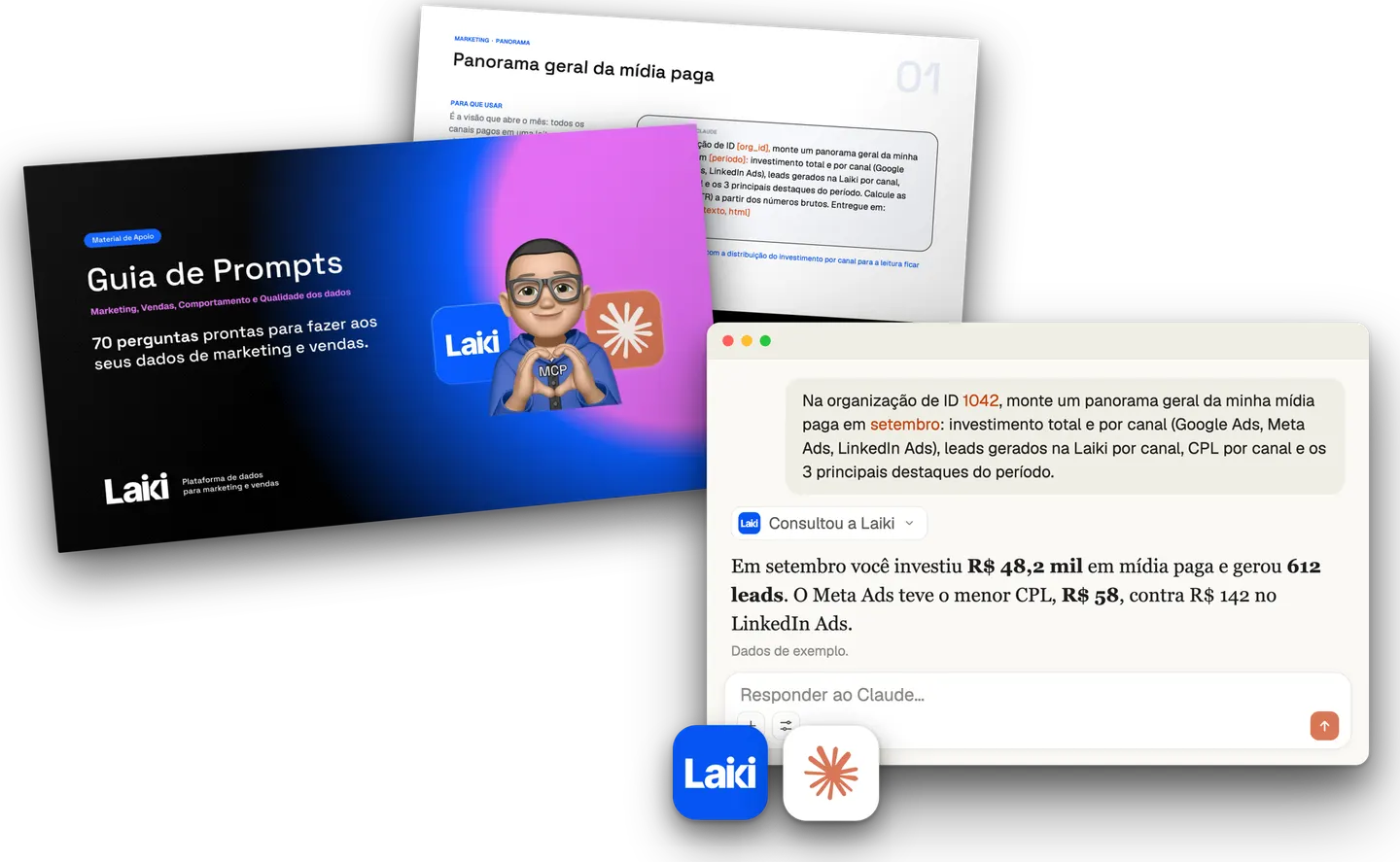 Resource · In PortuguesePrompt Guide for Marketing and Sales70 prompts with questions about marketing, sales and behavior to ask your data.Download the guide
Campaign naming standard
The campaign name is the parameter that later connects the ad to the sales record. It deserves a fixed formula, and the one we use combines date, objective, and product:
{Data}_{Objetivo}_{Servico}
202611_conv_kit_educacao
The date in YYYYMM format ensures automatic chronological ordering in any report, without depending on a filter. The objective answers what you want the person to do, with abbreviations agreed on beforehand (conv for conversion, click for clicks, msg for message). The product or service identifies what is being promoted.
One detail makes a difference when cross-referencing data: the value of utm_campaign must be identical to the campaign name in the ad platform. When the two match, you can follow the lead from the ad to the CRM with no manual reconciliation work.
Step by step to build the URL
Typing UTMs by hand is where the typos that break everything are born. Use Google's Campaign URL Builder or your data platform's generator, and fill in five fields.
- Destination URL: the link to the page or landing page the person will go to
- campaign_source: the main platform, in lowercase (instagram, google, linkedin, email)
- campaign_medium: the value from the table above that matches the type of traffic
- campaign_name: exactly the formula created in the previous step, without inventing a new name
- campaign_content: the identifier of the asset (reels1, carrossel1, banner_estatico_site)
The result of wrong tagging and right tagging, side by side:
?utm_source=Insta&utm_medium=mp&utm_campaign=Campanha%20Black%20Friday%202026

?utm_source=instagram&utm_medium=cpc&utm_campaign=202611_conv_kit_educacao
The first produces a source that nobody else will write the same way, a medium that GA4 does not recognize, and a campaign name with a space code in the middle. The second lands in the right channel and cross-references with the CRM.
Dynamic UTMs and the warning worth checking
Platforms offer macros that fill in the parameters on their own. On Meta, {{campaign.name}} and {{ad.name}} bring the real names of the campaign and the ad. In Google Ads, {keyword} brings the searched term.
The gain is large, because it eliminates manual typing at scale. The risk exists too: when the macro is not replaced, the source arrives in the report with the literal braces, such as {{site_source_name}}. We found this in our own audit. Check the report in the first week of running any new campaign, because a badly configured macro only shows up when the data has already come in.
It is worth remembering that campaigns with native forms also need UTMs, defined in the form's custom attributes. Without that, the lead arrives with no source even when the campaign is tagged correctly.
Where the tagging dies after the click
A well-configured UTM carries the information to the page. What happens from there on depends on the operation.
The form needs to capture the parameters and send them along with the lead. The CRM needs to have a field to receive them. And the same contact, when they return through another channel weeks later, needs to be recognized as the same person, or the original source gets lost along the way. This chain is part of data management organized in layers, where standardized collection comes before any report.
It is the kind of work that Laiki's Data centralization automates: sources arrive organized and standardized, and Media attribution keeps UTMs associated lead by lead, with first-click or last-click reading. The ten variants in our example converge to the right channel with nobody fixing a spreadsheet afterward. Discover the Laiki platform to see how this works on your own data.
Frequently asked questions about UTMs
Why does GA4 show traffic as “unassigned”?
In most cases, utm_medium received a value that the default grouping does not recognize. The tool identifies the visit, but cannot fit it into any channel. Reviewing the values used in utm_medium solves a good part of the problem.
Is it a problem to have several different sources for the same channel?
It depends on the cause. When the difference comes from convention (ig and instagram in the same report), it is a symptom of a missing standard and worth fixing at the source. When it comes from the platform itself (referral domains, placement macros), it is normal behavior, and the answer is to map the variants and group them.
Do I need UTMs on internal links on my own website?
No. A UTM on an internal link overwrites the session's original source, and the visitor who came from a campaign starts appearing as if they had arrived from your own site.
Do UTMs hurt the page's SEO?
The parameters create variations of the same URL, which can generate duplicate content if those versions get indexed. On pages with relevant organic traffic, it is worth checking the canonical tag.
A standard that nobody wrote down does not exist
A naming convention works when the whole team follows it, and the whole team only follows what is written down somewhere accessible. Agreeing on the rules in a conversation and not documenting them takes the operation back to square one at the first change of agency or arrival of a new person.
The Laiki Data Management Playbook brings together the three modules that support this standardization: campaign naming, a tracking manual with UTMs, and a custom fields guide. Download the resource and use it as your operation's internal rule.