Meta Conversions API: how to send CRM sales back to your campaign
How to connect your CRM to Meta's Conversions API to send sales and sales funnel milestones straight back to the campaign that generated the lead.
Published on
8 min read
A lead generation campaign runs well on Meta Ads: the cost per lead drops, the number of submitted forms goes up, and the dashboard looks healthy. Three weeks later, the sales team closes an important contract and nobody can tell the algorithm that this specific lead turned into a sale. For Meta, that event never happened, and the campaign keeps optimizing for what it can see: the form, not the result. This is exactly the gap that the Meta Conversions API was created to close.
What the Meta Conversions API is
The Meta Conversions API is the channel that lets you send events that happened outside the browser, such as a deal closed in the CRM, straight from your server to the same ad account that generated that lead. It works in parallel with the Pixel: while the Pixel captures what happens on the website through the person's browser, the Conversions API receives events sent by your system, without depending on cookies, on JavaScript loading, or on the visitor having accepted tracking.
In practice, this changes what the campaign learns. Instead of optimizing only for "form submitted", it also starts receiving "became an opportunity", "closed the contract" or "canceled", as long as someone sends those events back. This return of data, from the CRM to the campaign, is what closes the loop between paid media and revenue.
Why the Pixel alone is no longer enough
The Pixel depends on the browser to work, and a growing share of traffic blocks that path before the event even leaves. Ad blockers, browsers with tracking restricted by default, and stricter privacy policies cut off part of the client-side events, even when the conversion really happened.
There is also a structural limitation: the Pixel only knows what happens on the page. It has no access to what happens afterward, when the lead leaves the website and enters the sales pipeline. A scheduled meeting, a proposal sent and a signed contract are events that live in the CRM, not in the browser, and they only reach Meta if someone sends them back from the server.
How the event gets from the CRM to the campaign
The flow starts at the moment of the lead, not at the moment of the sale. When someone fills out a form coming from an ad, Meta attaches a click identifier to the session, the fbc parameter. This value needs to be captured by a hidden field in the form and saved along with the lead, in the same spirit as other click parameters that only exist at that moment and then disappear, such as the Google Ads click identifier.
From there, the path is this:
- The lead enters the CRM already with
fbc, email and phone saved. - When the deal changes stage (for example, becomes an opportunity or closes a sale), an event is built with this data.
- This event is sent by server to the Conversions API, with the sale value when there is one.
- Meta adds this event to that campaign's history and starts optimizing based on what actually became business.
Without this chain, the unified marketing and sales funnel ceases to exist on the ad platform side: the CRM knows about the sale, Meta does not. It is worth sending more than just the closed sale: operations with a longer sales cycle tend to miss the useful window if they wait for the signed contract, so it makes sense to also send back intermediate milestones, such as qualification or proposal sent, so the campaign gets a signal before the end of the funnel.
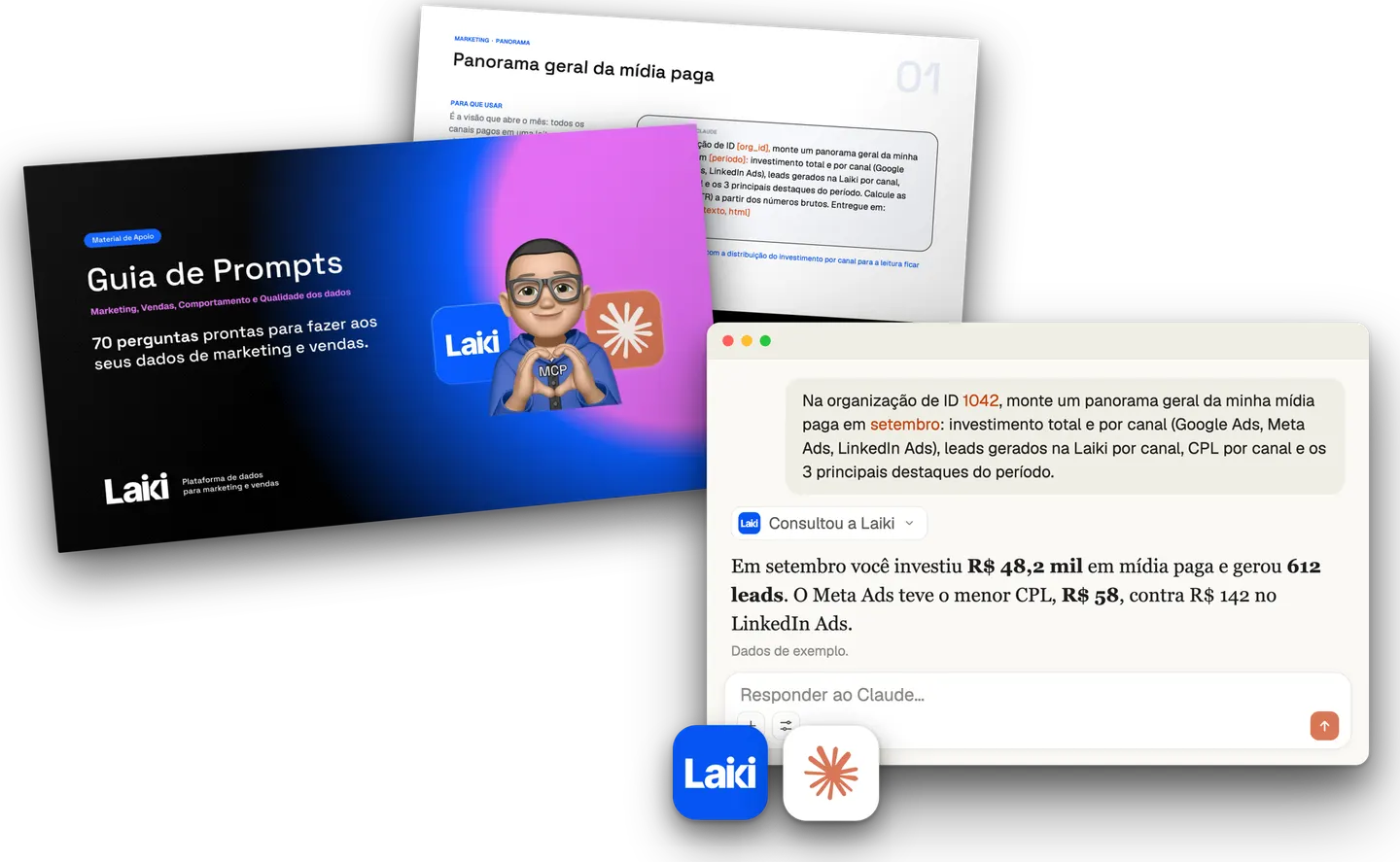 Resource · In PortuguesePrompt Guide for Marketing and Sales70 prompts with questions about marketing, sales and behavior to ask your data.Download the guide
Event_id and deduplication with the Pixel
When the same event is captured by the Pixel and also sent through the Conversions API, the event_id is what stops Meta from counting that event twice. Each event carries a unique identifier, generated on your side, repeated in both sources: the same value in the Pixel's eventID and in the server event's event_id.
The comparison works like this: Meta cross-checks event_id and event name between the two sources and, when there is a match, keeps only one occurrence. According to Meta's official deduplication documentation, this comparison is only valid within a 48-hour window from the first event received with that identifier.
Anyone who sends from the server without repeating the Pixel's event_id runs the opposite risk from the one that motivated the project: instead of missing data, the same event shows up duplicated in the report, inflating the number of conversions and distorting the cost per result.
Match quality: the data that gets the event recognized
Match quality measures how many of the parameters sent Meta was able to associate with a real profile in its own database. The more parameters match, the greater the chance that the sale event is correctly linked to the click and the campaign that originated that lead.
The parameters that weigh the most in this matching are:
- Email and phone , always sent hashed (never in plain text).
- fbc , the click identifier captured at the moment of the lead.
- fbp , the browser identifier generated by the Pixel itself.
- external_id , a stable internal identifier from your CRM for that contact.
Without these fields, Meta still tries to associate the event through other signals, but with a much lower hit rate. A CRM that stores email and phone with inconsistent formatting, or that never captured the fbc in the source form, is paying that price without seeing it in any report.
Step by step to connect the CRM to the Conversions API
Connecting the CRM to the Conversions API is a short sequence of technical decisions, not a months-long project. In practice, the work follows this order:
- Capture the
fbc(and, when it exists, thefbp) in the lead's source form, along with email and phone. - Define the sales funnel milestones that count as an event (opportunity created, sale closed, sale lost).
- Build the server event in the format required by the API, with hashed parameters, the correct
action_sourceand the sale value when applicable. - Reuse the same
event_idwhen the same occurrence is also captured by the Pixel, to avoid double counting. - Send the event at the moment the CRM records the stage change, not in a batch at the end of the month.
- Monitor match quality in Events Manager and fix the fields that are arriving empty or badly formatted.
Mistakes that cost you data without triggering any alert in the dashboard
None of the most common mistakes shows up as a failure in the campaign report, because Meta simply does not receive the data that was missing. The most frequent ones:
- Not capturing the
fbcin the form, which removes the direct link to the original click. - Sending email and phone without hashing, or with different formatting than required (the hash of a number with and without the ninth digit, for example, produces different values).
- Waiting until the end of the month to send events in a batch, when some of them have already passed the useful matching window.
- Duplicating the send between Pixel and server without repeating the same event_id on both ends.
Each of these points is silent: the paid media dashboard stays up, the paid media dashboard keeps showing numbers, and only when someone compares the CRM's real revenue with what the campaign claims to have generated does the difference appear.
Where Laiki comes in
The Incorporadora Valor Real case shows this loop closing in practice. Laiki stores the fbc alongside the lead from the moment it enters, in the same record that holds the source, the events and the funnel stage. When that lead reaches a stage that matters to the business, the platform builds and sends the corresponding event to the Conversions API automatically, with the event_id reused from what was already captured in the browser.
This removes from the team the manual task of building the payload, hashing field by field and remembering to send it on time. The campaign starts optimizing for what became business in the CRM, and not just for what became a form, with the Meta Conversions API receiving this data at the right moment instead of in a delayed batch.
Frequently asked questions
Does the Meta Conversions API replace the Pixel? No. The two work together: the Pixel covers what happens in the browser, the Conversions API covers what happens outside it, such as CRM events. Using both at the same time, with a shared event_id, is the recommended scenario.
Do I need a dedicated technical team to set this up? You need someone to build the integration between the CRM and the API, but once it is configured the sending becomes automatic. The work is concentrated in the initial step of mapping the funnel milestones and the matching fields.
How long does it take for a sale sent by the CRM to be reflected in the campaign? The event is processed by Meta in minutes, but the effect on the campaign's optimization builds up over days, as the algorithm receives enough volume of sale events to adjust delivery.